Turning a video to a process document.
Last updated: May 29, 2026
This article shows how to turn a video (of a digital or physical process), into a Fluency Process Document.
If you prefer, you can watch the video walkthrough instead. If not, follow along below.
This feature is great for businesses with physical processes, or those looking to turn old, outdated video processes into the Fluency format.
How to upload a video in Fluency
Click New
Select the Process Document button
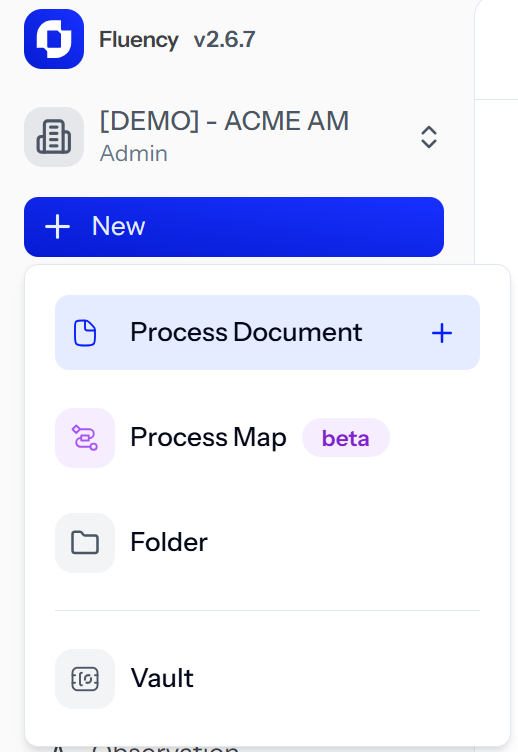
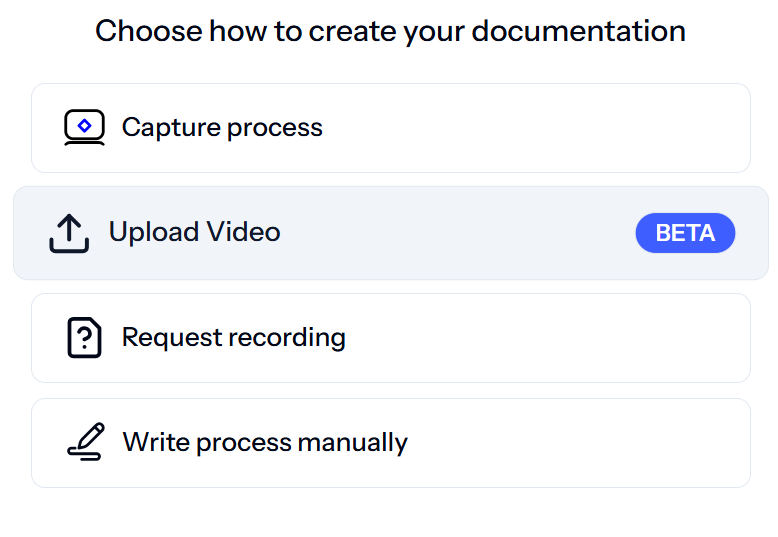
When presented with the "Choose how to create your documentation" option, select "Upload Video"
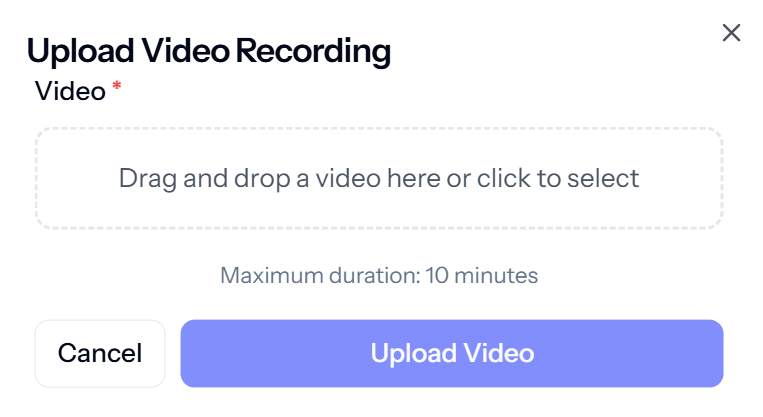
Either drag a video into the upload area, or click that area and choose the video you wish to upload from your computer
NOTE* the maximum size of a video able to be uploaded is 150 megabytes or maximum 40 minutes in length
Wait for that to process - once that's done, enjoy!
💡 Tips
Videos with narration, or someone speaking over the top, will perform even better
Try to ensure the video is smooth, and depicts the whole process