Merge steps with AI
Last updated: May 29, 2026
From edit mode, you can use the Smart Merge feature to reduce the number of steps in your document, using AI.
If you prefer, you can watch the video walkthrough instead. If not, follow along below.
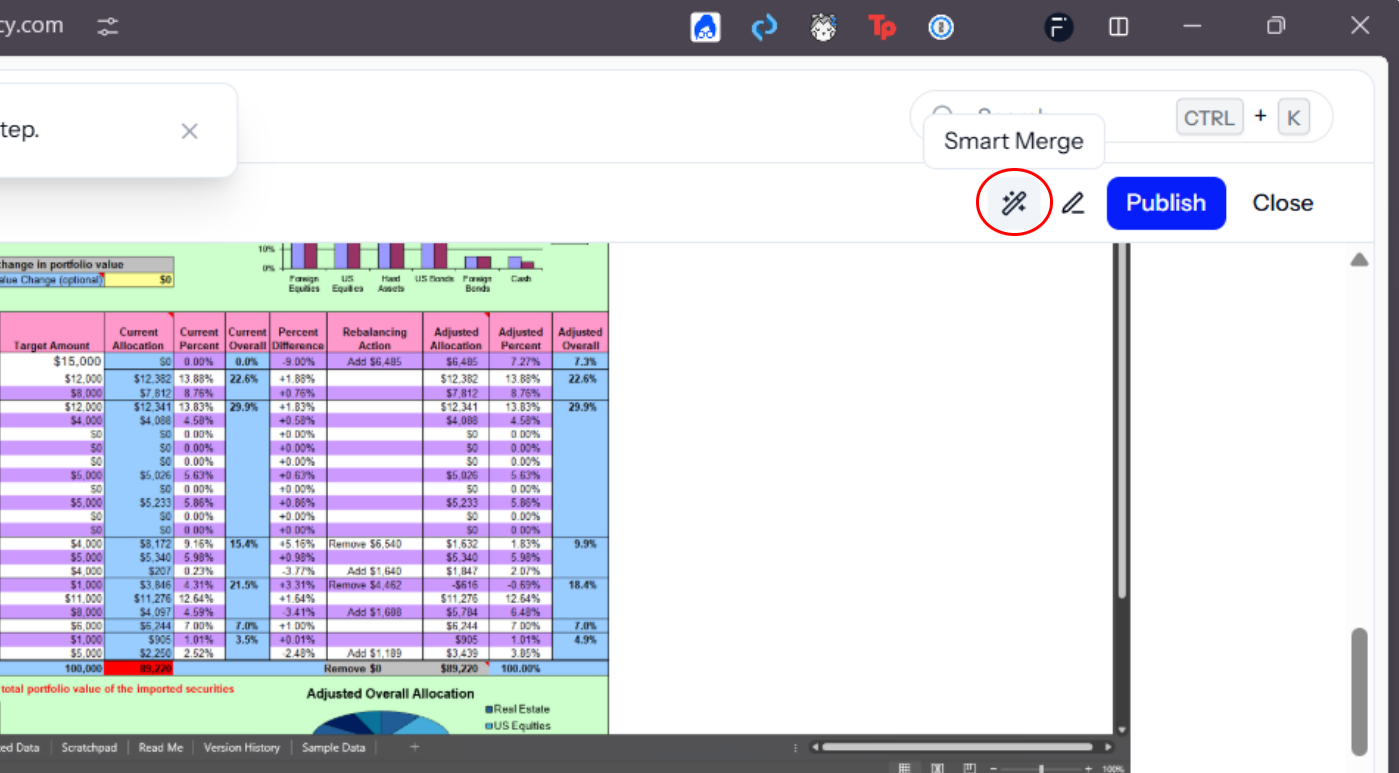
1. Click Smart Merge button
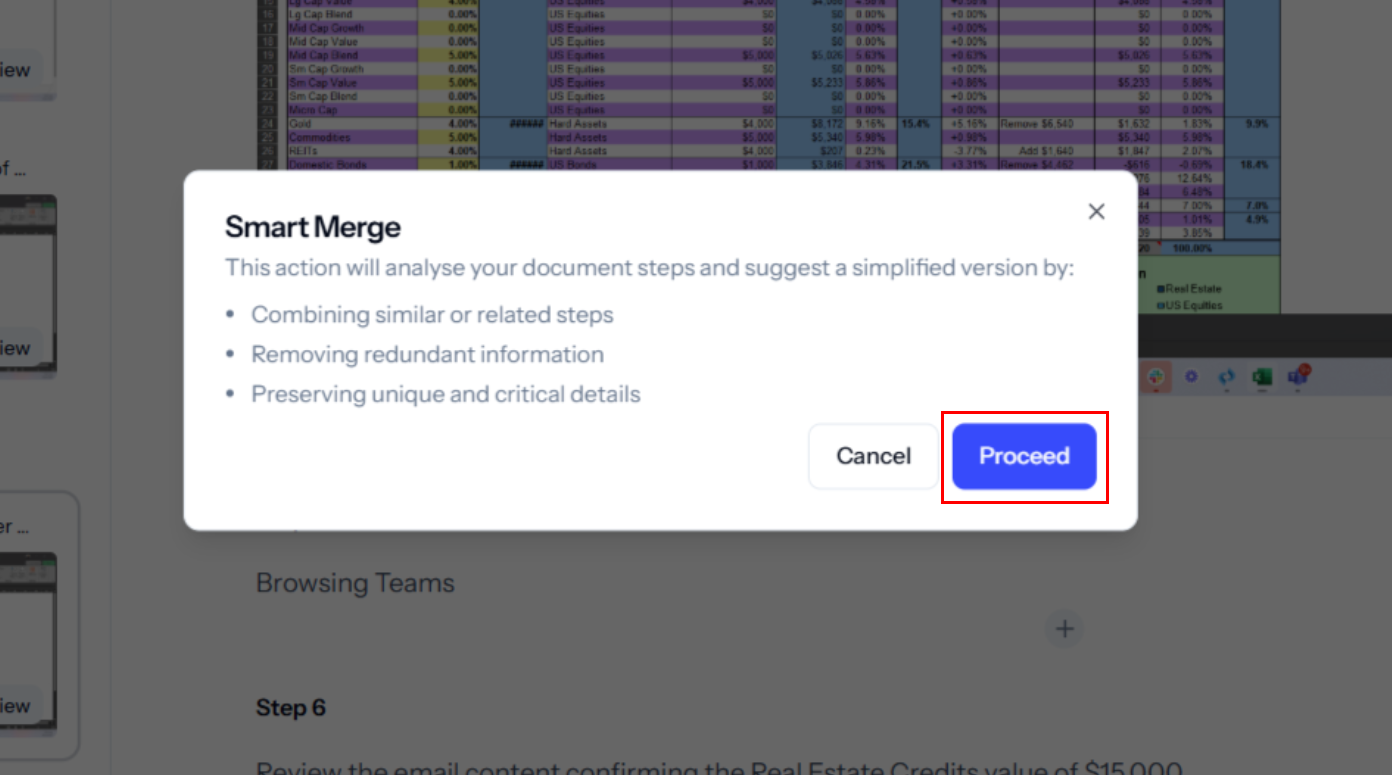
2. Click the 'Proceed' button in the Smart Merge dialog box to analyse and simplify document steps.
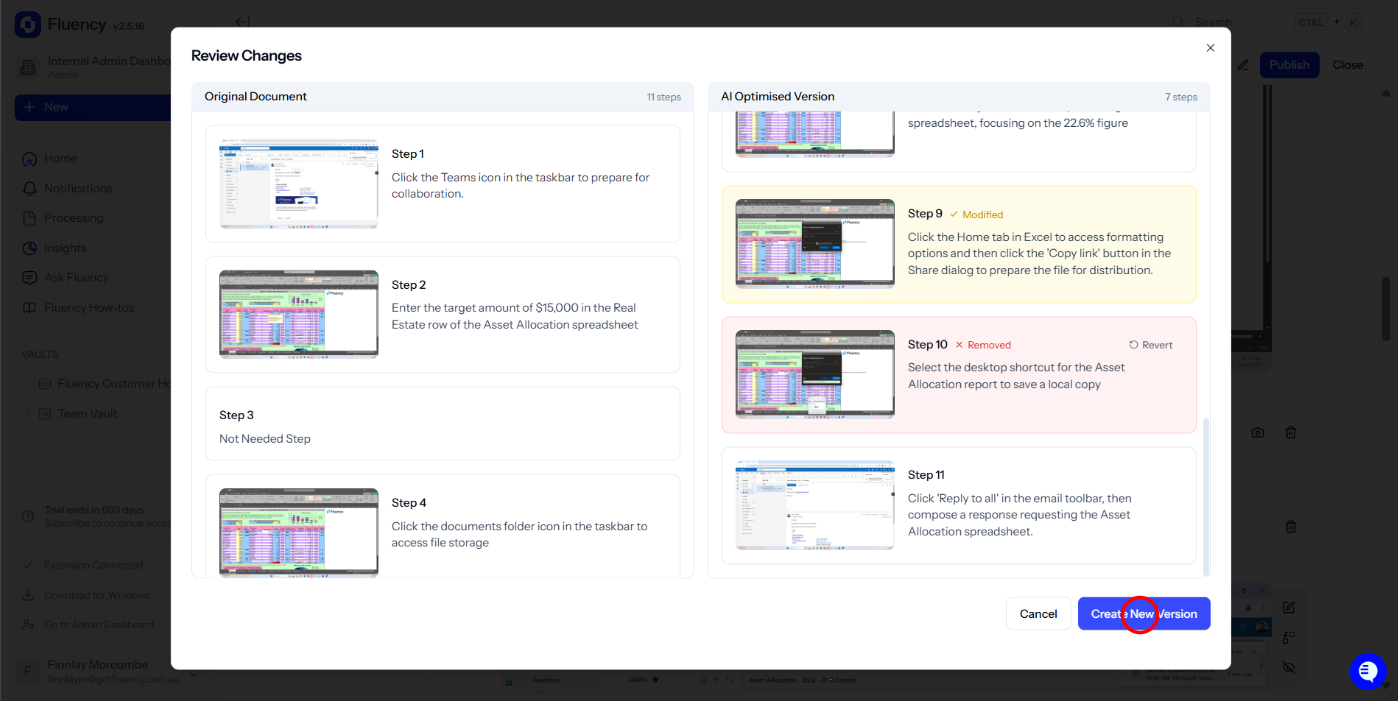
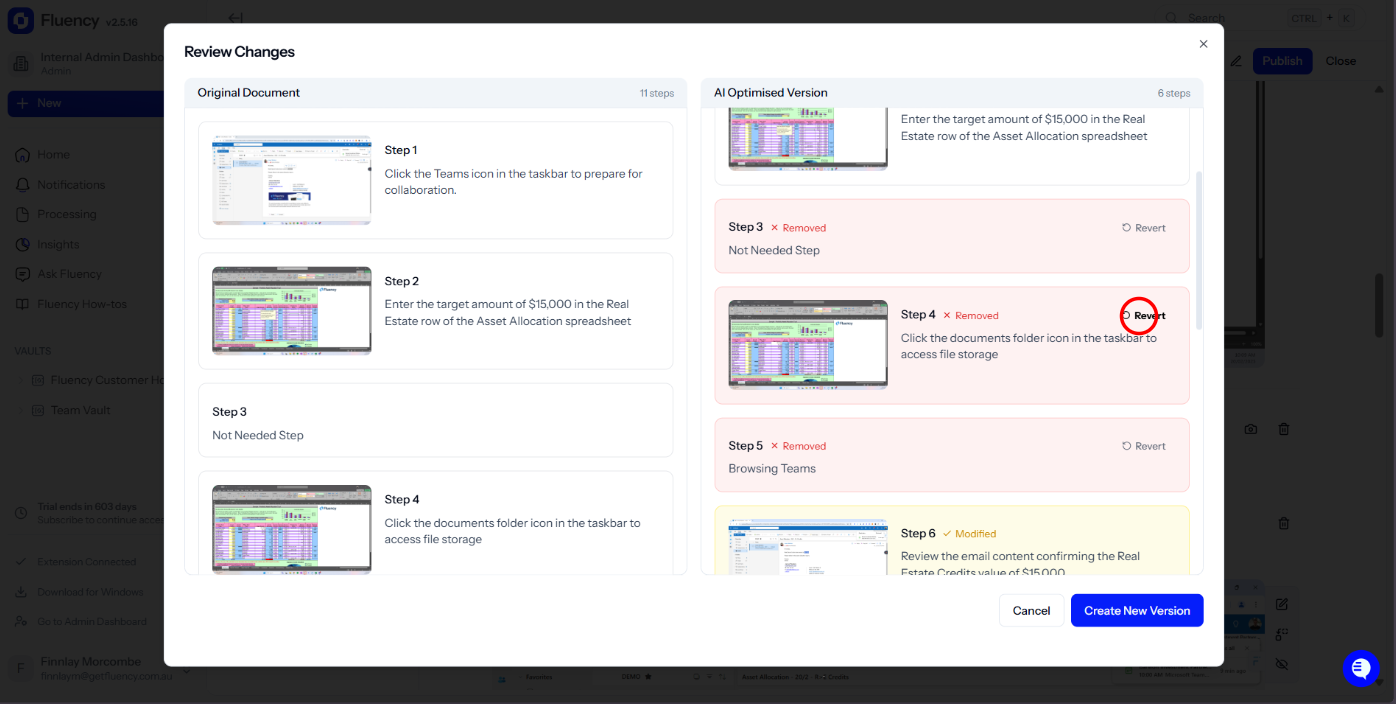
3. You'll see a side by side view of the AI optimized version and the original document. You can easily revert any of the changes the AI has offered.
4. Click the 'Create New Version' button to save your changes and save the new optimized version.