Recording a Process (Web)
Last updated: July 9, 2025
If you prefer, you can watch the video walkthrough instead. If not, follow along below.
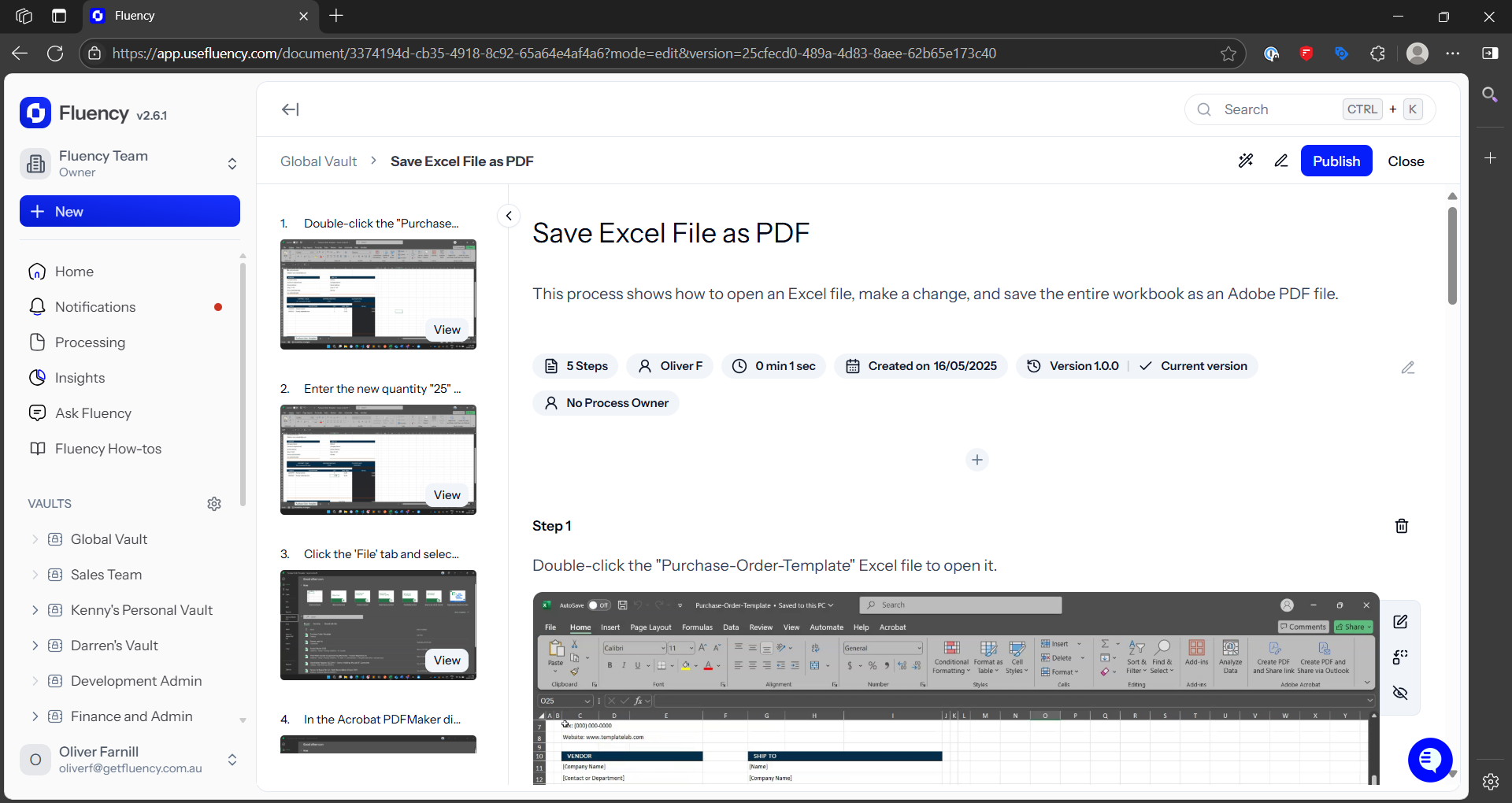
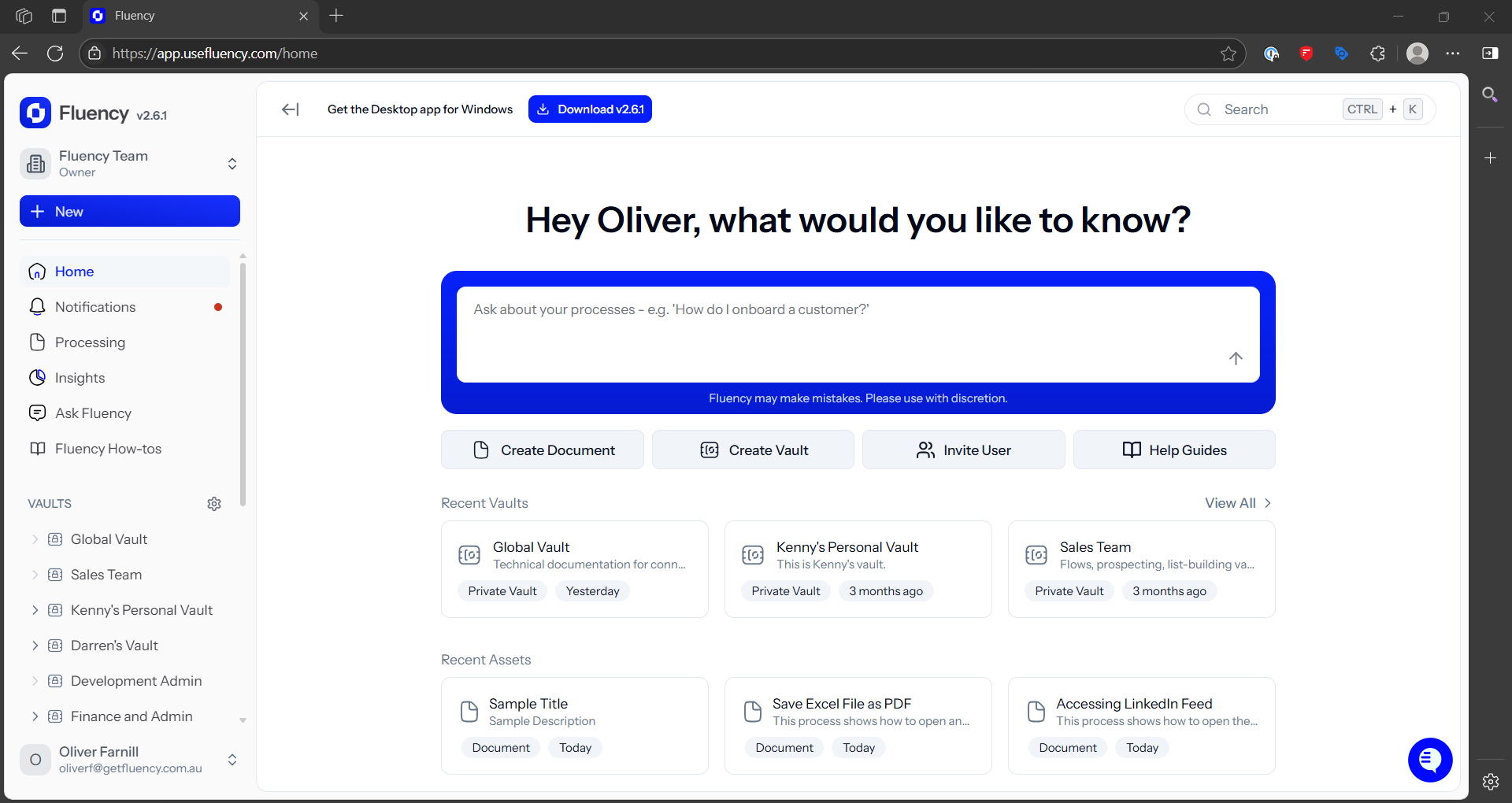
1. Open the Fluency for web
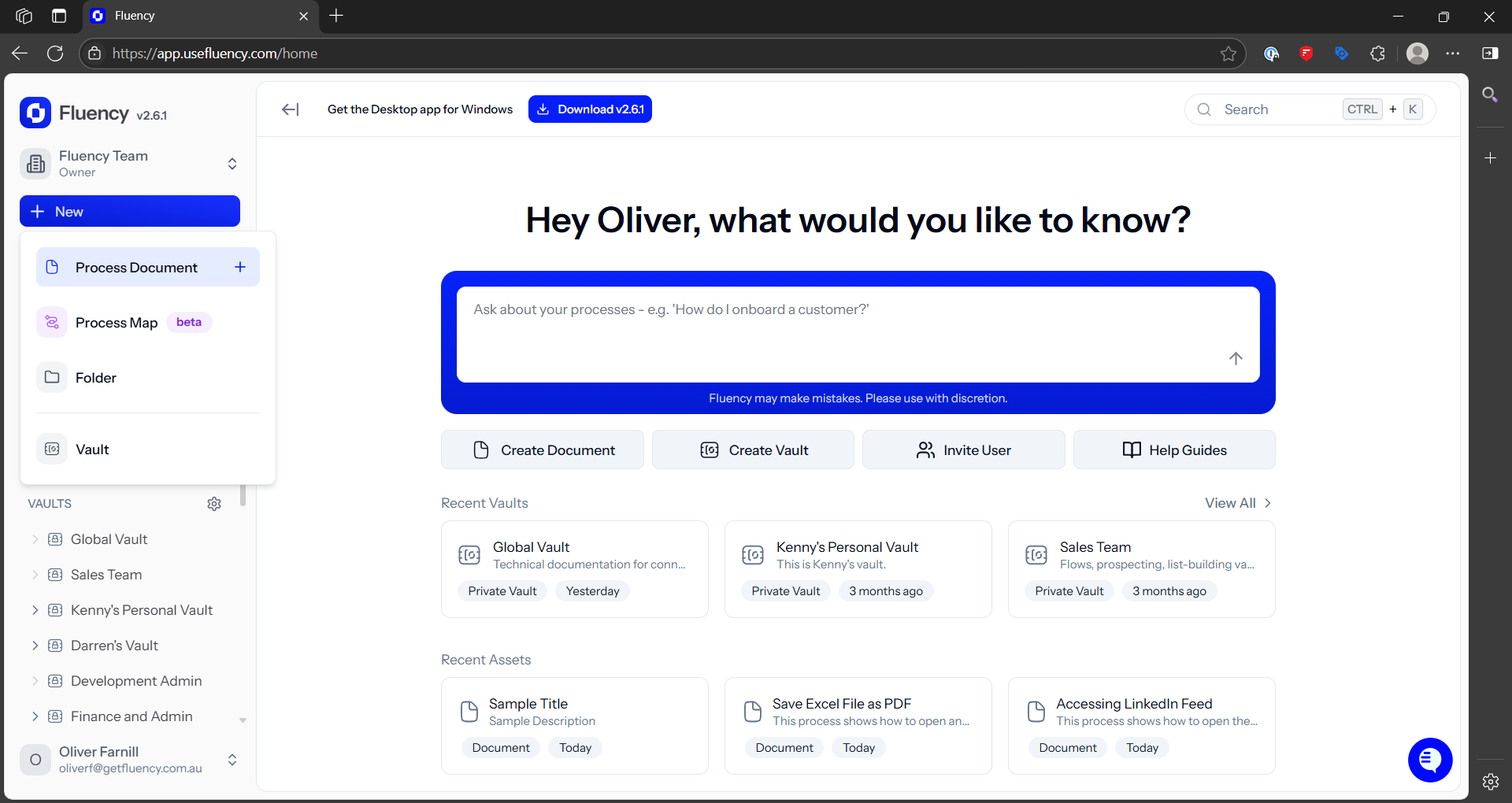
2. Create a new Process Document
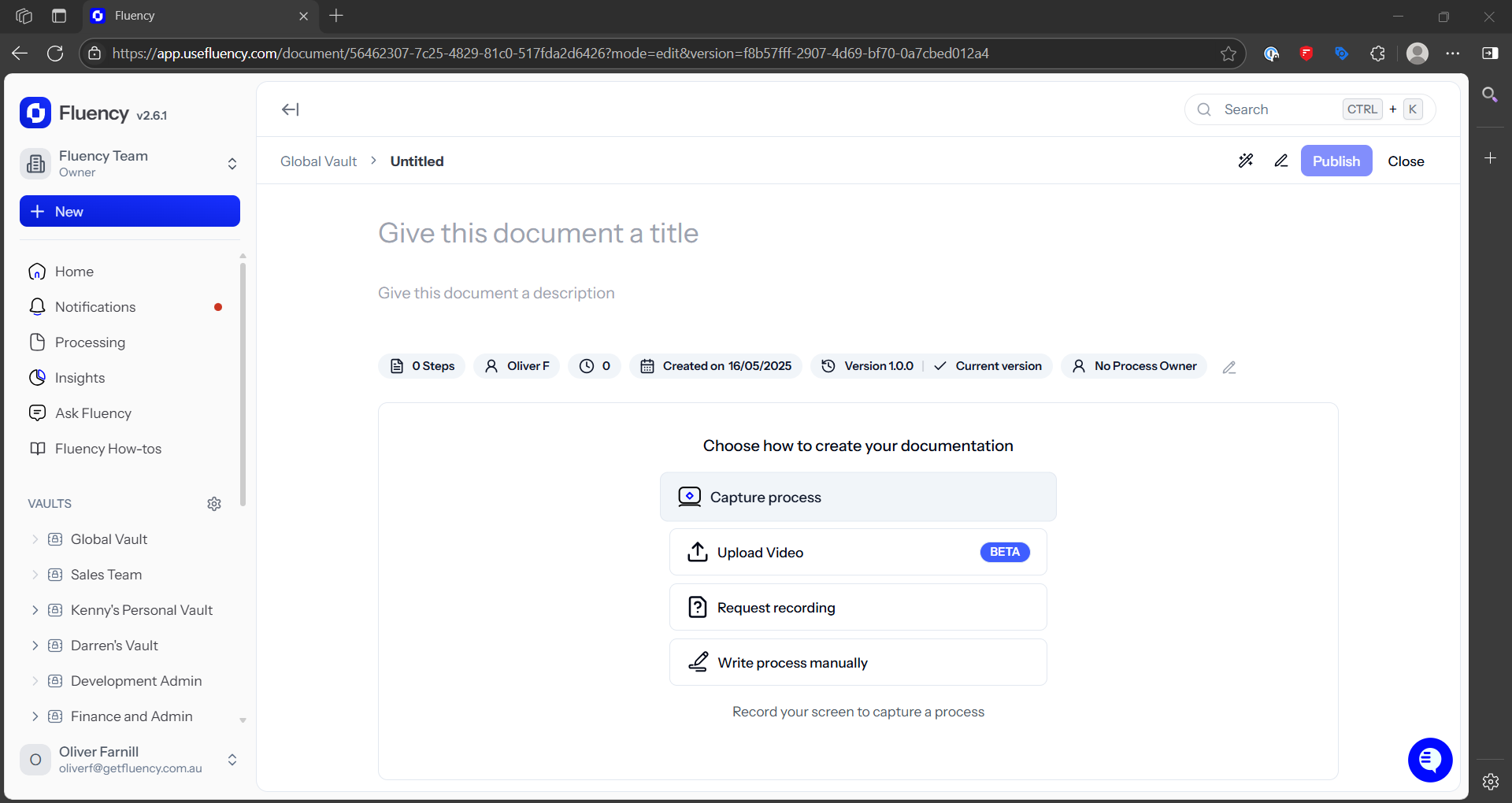
3. Click "Capture Process"
4. Select the monitor to capture
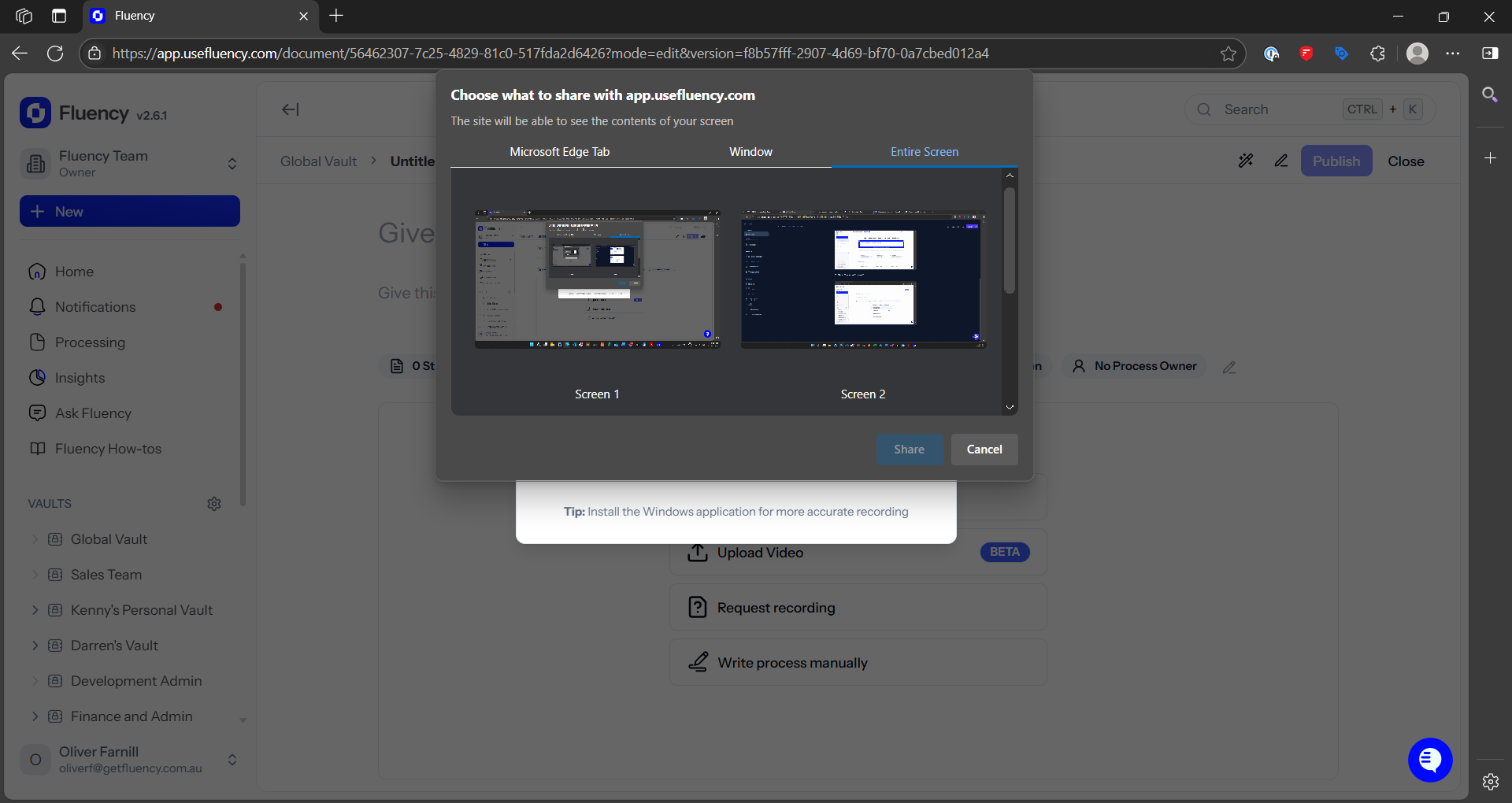
5. Start the recording, complete your process on the selected screen, then click stop recording.
6. Fluency will generate your SOP after a few seconds.