Ask Fluency (AI Chat)
Last updated: July 9, 2025
Instant answers. Context-aware assistance.
If you prefer, you can watch the video walkthrough instead. If not, follow along below.
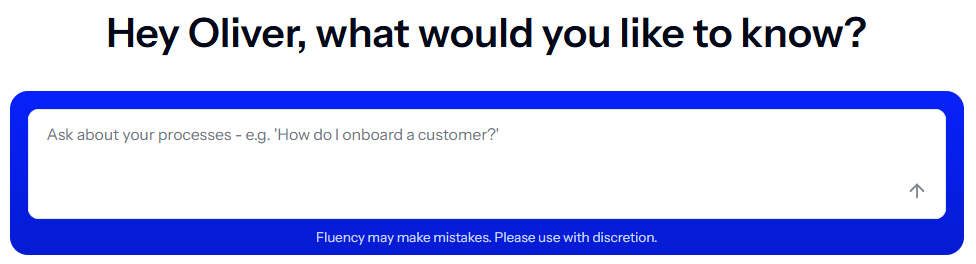
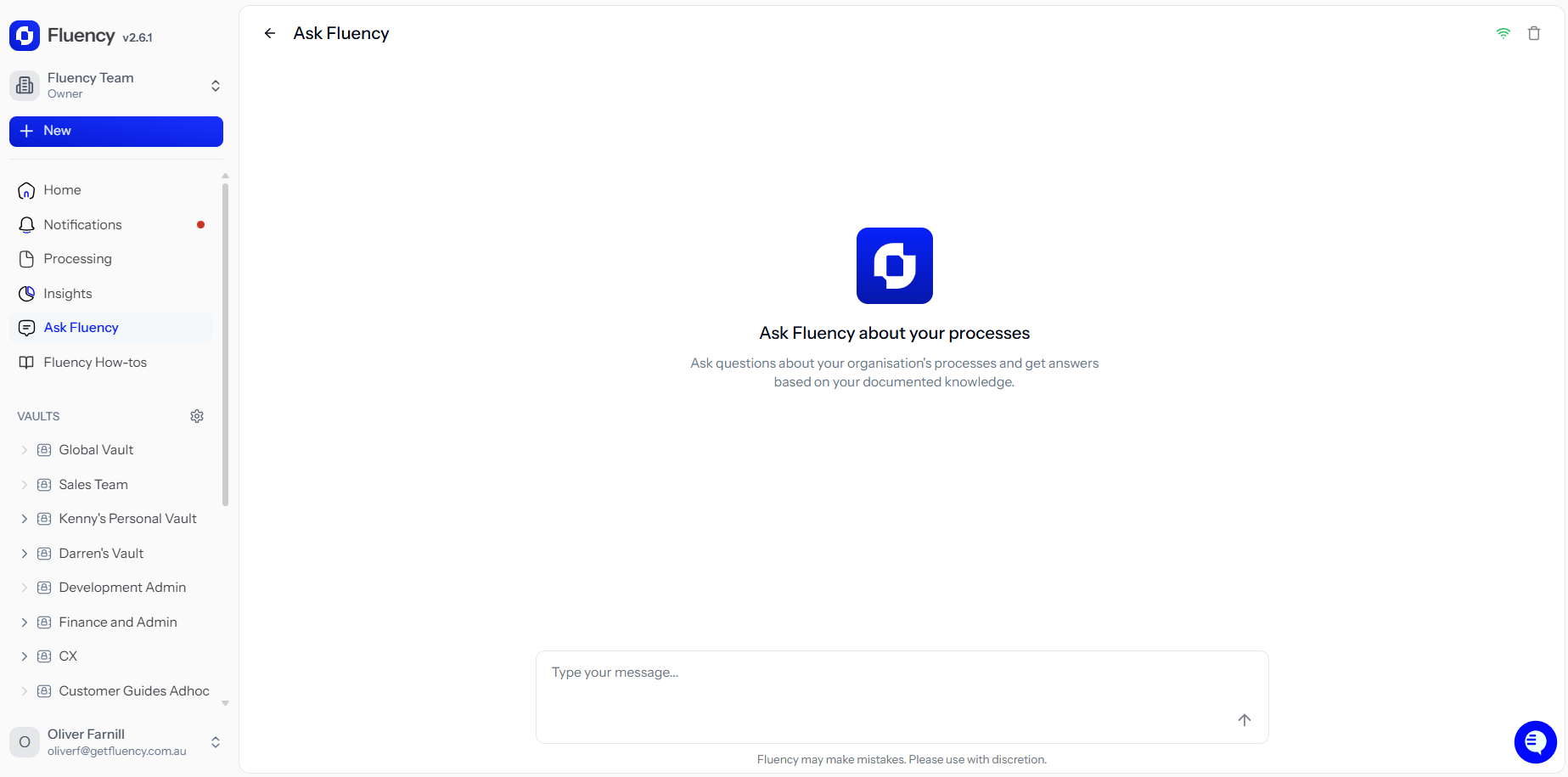
Located on the Home page or in the side bar, Ask Fluency lets you:
Ask questions about any process you have access to
Find documents without knowing their exact name or location
Get detailed answers on how a process works
Fluency’s AI understands your vaults, folders, and documents—restricted by your permissions—so you’ll only see information you’re authorised to access.
Document-Level Chat
If you prefer, you can watch the video walkthrough instead. If not, follow along below.
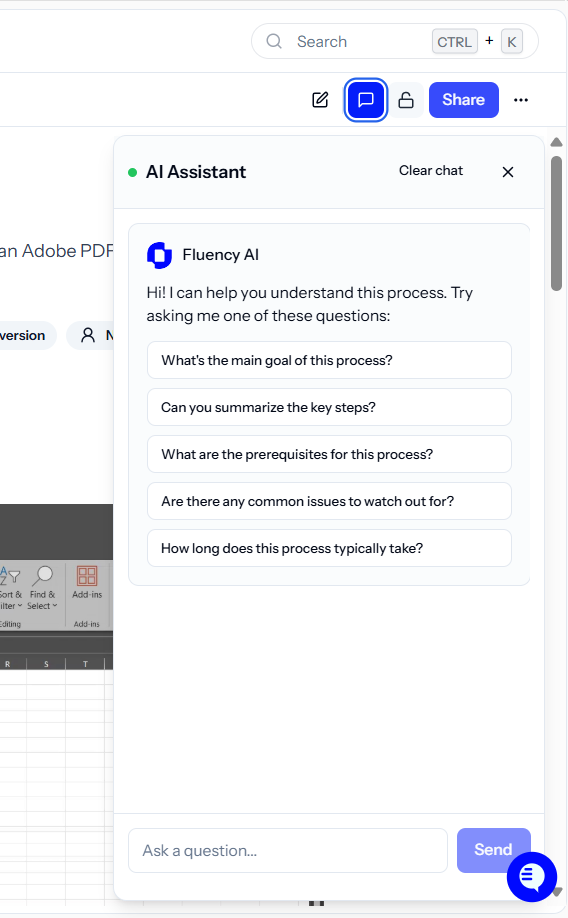
Open a document and use the chat panel to:
Ask where specific steps occur
Get suggestions for improving the process
Clarify roles, tools, or actions within the SOP
This view is scoped to the document, so responses stay focused on what’s visible in that document.